↩ Back to UX writing & content design
CoderDojo Nano
UX writing ■ Instructional content ■ COPPA-compliant copy for children
CLIENT: Scholastic
AUDIENCE: Ages 7 to 12
MY ROLE: UX writer
DELIVERABLES: Companion website
LIVE SITE: scholastic.com/coder-dojo
Overview
CoderDojo is a global movement of free, volunteer-run coding clubs for young people, operating in over 60 countries and backed by the Raspberry Pi Foundation. Scholastic, the world’s largest publisher of children's books, partnered with CoderDojo to launch CoderDojo Nano: a series of books that teach kids how to build their own websites.
The books needed a digital home. I was the editor for the series and wrote all the copy for the companion website, a place where kids could find code examples, download free tools, and access step-by-step tips that extended the lessons off the page. I worked directly with a project manager and software engineer to write everything on the site: navigation labels, headlines, CTAs, and 13 instructional tip pages covering HTML, CSS, and JavaScript concepts for kids.
The problem
User need
Kids who purchased the CoderDojo Nano books needed a digital companion they could use on their own. It had to feel like a natural extension of the brand, not a separate product. The copy needed to be clear enough for a child reading independently, while also appealing to the product’s gatekeepers (parents and teachers).
Compliance constraints
Because the primary audience included children under 13, the site had to comply with COPPA (the federal children's online privacy law): no data collection, no tracking, no unvetted third-party links. Every content decision had a legal dimension, from how we worded CTAs to which external resources we could point kids toward.
Design constraints
We couldn't modify Scholastic’s existing design system, which is built for a much broader audience. With limited layout flexibility, the copy had to do more of the heavy lifting: short, punchy headlines and clear labels in place of the visual hierarchy we couldn't control.
My process
Defining the voice
Before writing a word of copy, I needed to understand who I was writing for and how that person thinks. A 9-year-old who just picked up a coding book is excited but easily discouraged. They want to feel capable, not talked at. I anchored the voice in two principles: speak directly to the kid (always “you,” never “the user”), and lead with what they’ll be able to do, not what a feature is called.
Auditing constraints before writing
I worked with engineering before any copy went into build to flag language that might imply data collection or personalization—things like “save your progress” or “create an account.” Catching compliance issues at the copy stage is less of a headache than catching them in QA. This let the engineer focus on building, not backtracking.
Structuring the tip library
The 13 instructional tip pages were the most complex content challenge. Working with PM, I defined a taxonomy sequenced to mirror the progression in the books. So, a kid finishing a chapter could find the corresponding tip without hunting. I also established a consistent naming convention across all 13 pages to make the library feel like a curated collection, not a pile of one-offs.
Iterating on the hardest copy
Navigation labels and the hero headline went through the most rounds. Both had to work for a 7-year-old and a 50-year-old parent simultaneously. I tested each label against a simple question: If a kid saw this word alone, would they know what to expect on the other side?
The work
Welcome copy & hero headline
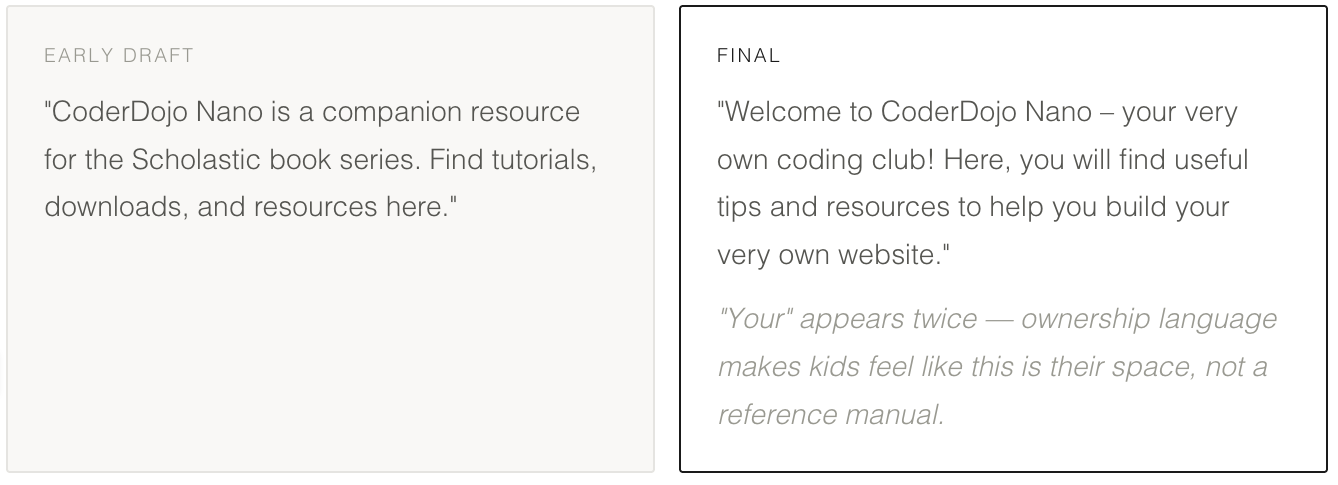
The early draft was too institutional. The final speaks directly to the child, frames the site as a club (aspirational, social), and captures the brand’s tone.
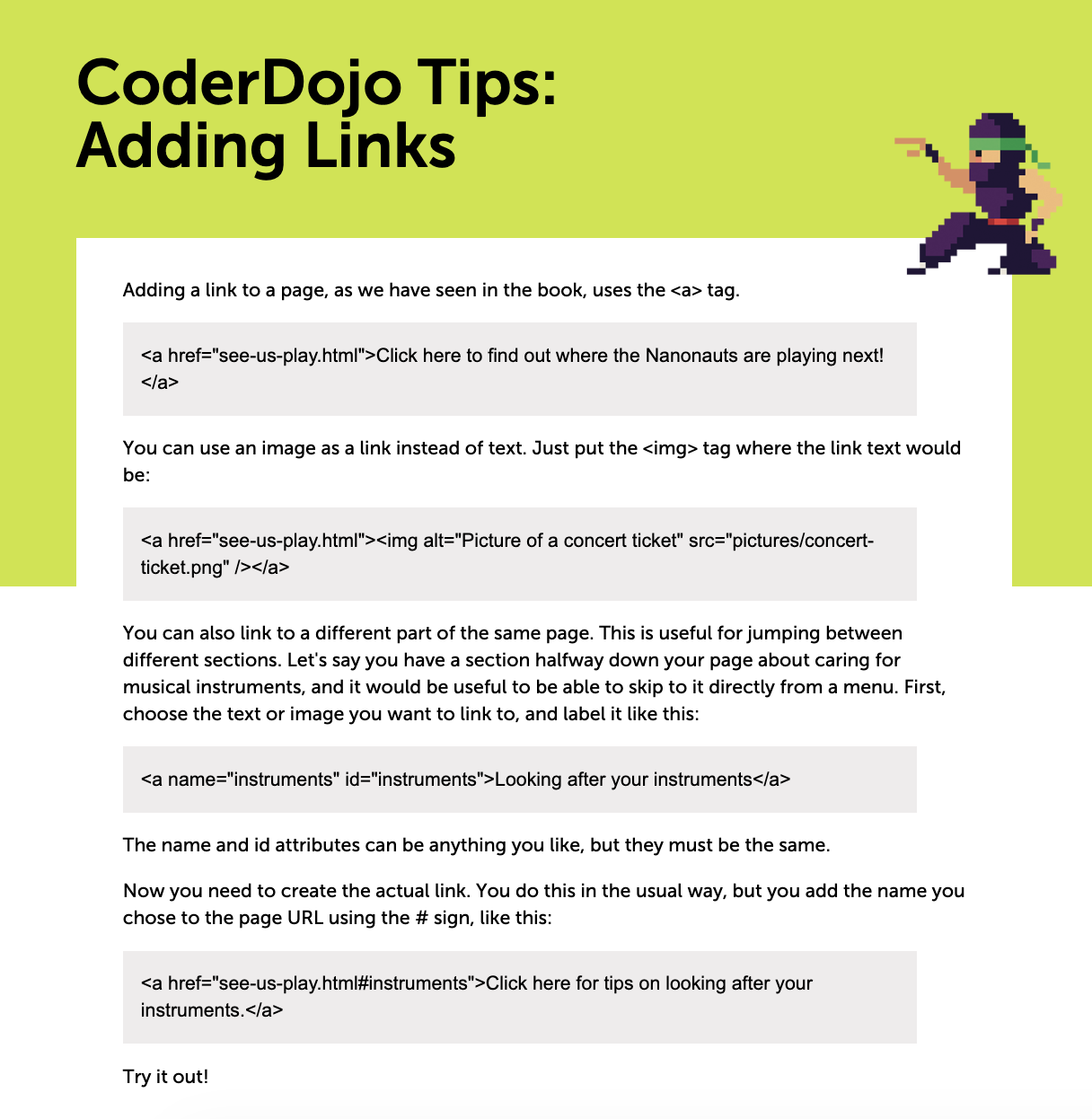
The homepage hero, showing the final welcome copy and navigation labels in context. The “coding club” framing and second-person voice carry through the full landing experience.
Navigation labels
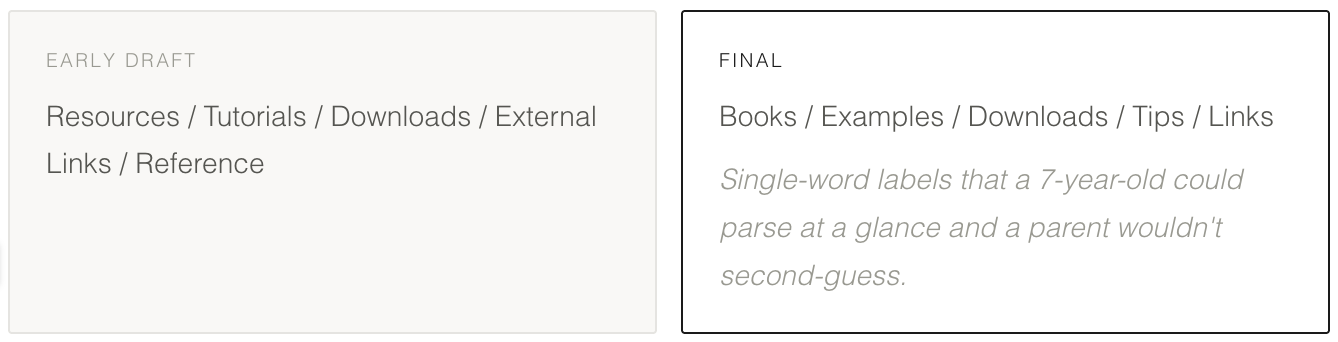
"Tips" beats "Tutorials" — it sounds like advice from a friend, not a chapter heading. Every label is a thing, not a category.
Instructional tip page titles (13 pages)
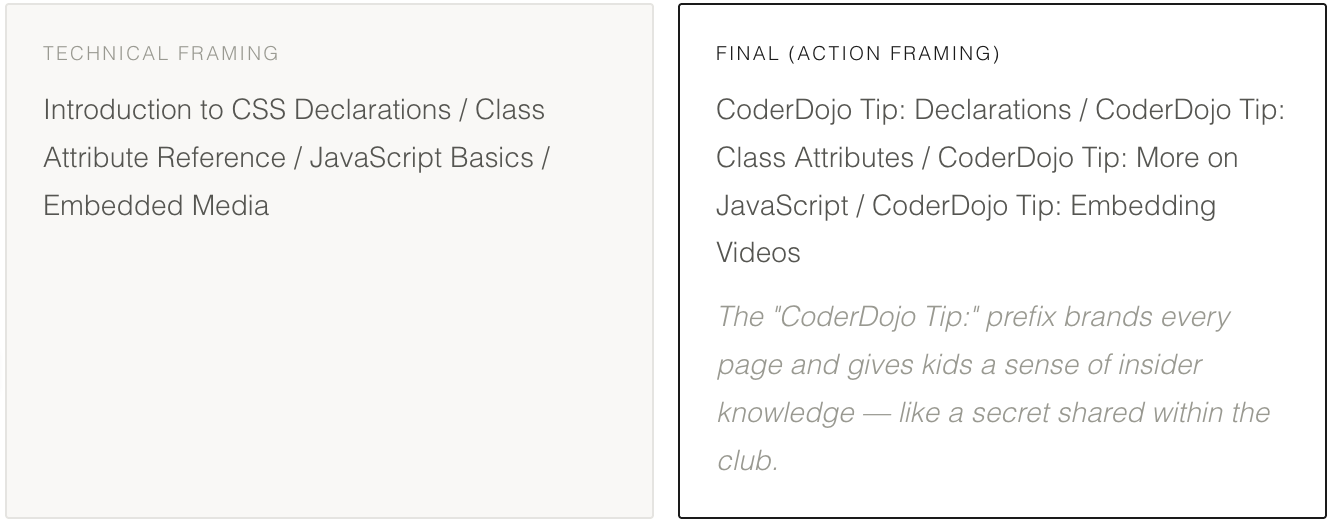
One of the 13 instructional tip pages. The "CoderDojo Tip:" prefix is consistent across all pages, and the content leads with the action ("Adding Links") rather than the concept.
Outcome
■ The tip library structure and naming convention were adopted as the content model for future CoderDojo Nano titles, meaning the content architecture scaled across Scholastic properties.
■ The site shipped on time along with the book launch. 🎉
■ All copy passed COPPA review without requiring changes at the legal stage, a direct result of flagging compliance issues during the writing phase rather than after build.